Software problems
Help with applications, errors, updates and configuration questions.
Convenient troubleshooting and technical assistance without waiting for an onsite visit.
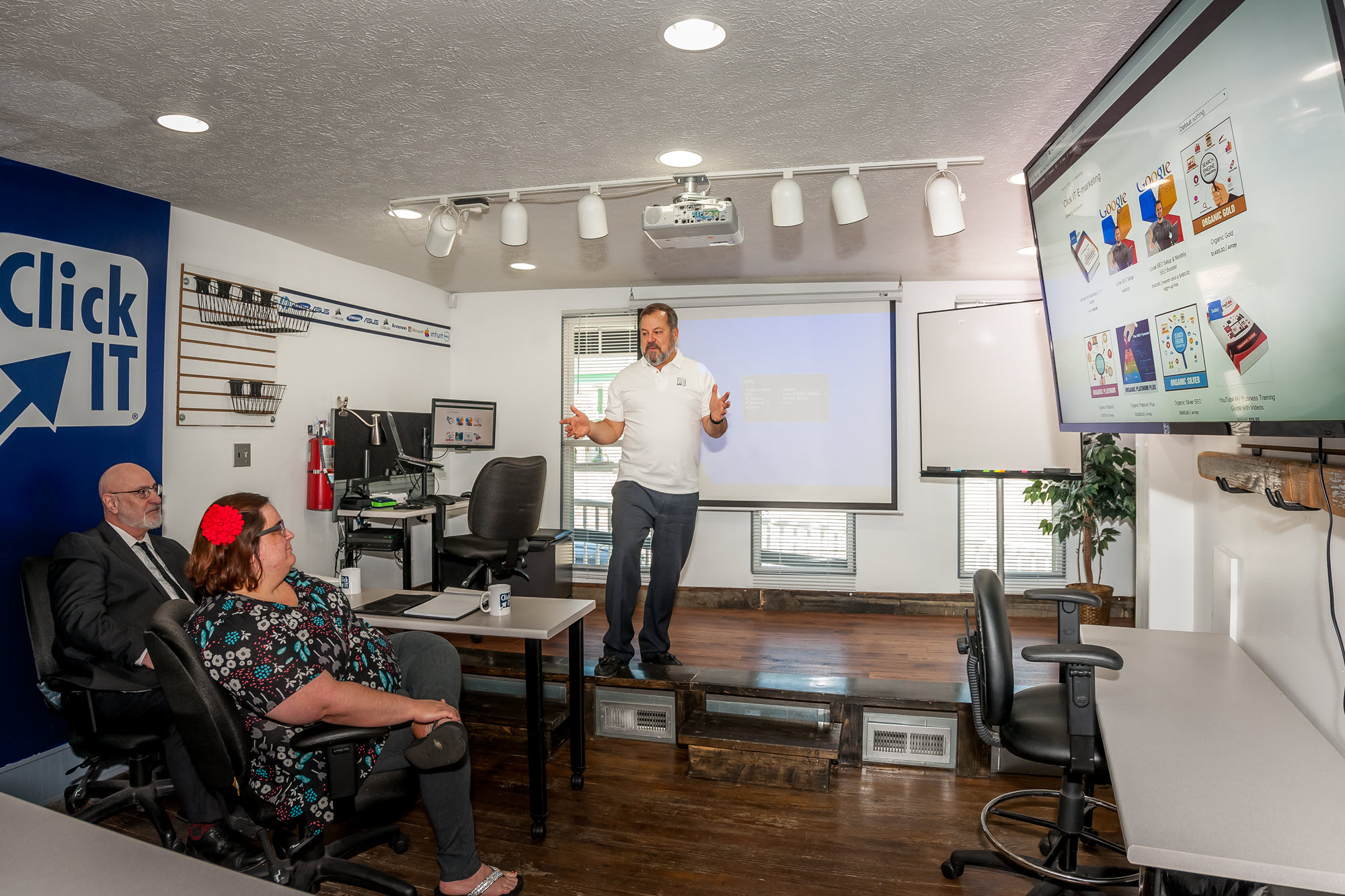
Many software, account, setup and troubleshooting issues can be handled remotely. A Click IT technician connects with your permission, reviews the problem and works with you in real time.
Choose the help you need today with a team that can support the larger technology picture tomorrow.
Help with applications, errors, updates and configuration questions.
Troubleshoot account setup, sending, receiving and common email issues.
Assist with supported printers, drivers and connection problems.
Help with login, password and supported service configuration issues.
Review slowdowns, startup concerns and software conflicts.
Step-by-step help with settings, features and everyday technology tasks.
We keep the process understandable from the first conversation through completion and follow-up.
Contact Click IT and describe what is happening.
Start a secure remote session with your permission.
Work through the issue while you can see what is happening.
Review the result and any recommended next steps.
Avoid travel time for issues that can be solved remotely.
Work directly with a technician and ask questions during the session.
Receive help from home, the office or another supported location.
If hands-on work is needed, we can recommend in-store or onsite service.
You are not being sent to an anonymous call center. Remote sessions are handled by a team that also provides local repair and business IT support.
You approve the connection and remain in control.
The technician explains what is happening during the session.
In-store or onsite options are available when remote support is not enough.
Many software, account, email, printer, setup and configuration issues can be addressed remotely. Hardware failures usually require hands-on service.
Remote access is started with your permission using supported tools. You can see the session and end it when needed.
A technician will provide instructions for the supported remote-assistance tool used for your session.
Yes. Remote help can support business users and can also be part of a broader managed IT or help desk relationship.
We will explain the next best option, which may include bringing the device in or scheduling onsite assistance.
Contact Click IT Computers to see whether remote support is the right next step.